What parents look for on a school website
A parent choosing a school is usually looking at five or six of them in the same week, often late at night after the children are asleep. The questions are practical and they come in a predictable order. Which class can my child join this year? Is the school affiliated, and to which board? How far is it, and is there a bus to our area? What does a normal day look like, and is it safe? What does it cost, and what happens next?
Most school websites answer these questions badly. The admission rules sit in a PDF circular, the fee structure needs a phone call, and the home page is a slideshow of annual day photos. Parents who cannot find the answer in a minute move on to the next school, or they ring the office at the busiest hour of the morning to ask something the website could have told them.
A school site also has rules of its own. It should not show children without their parents' consent, and it should not lean on board results, toppers' photos or claims that cannot be checked. The website has to earn trust by being clear, calm and useful.
How the demo handles it
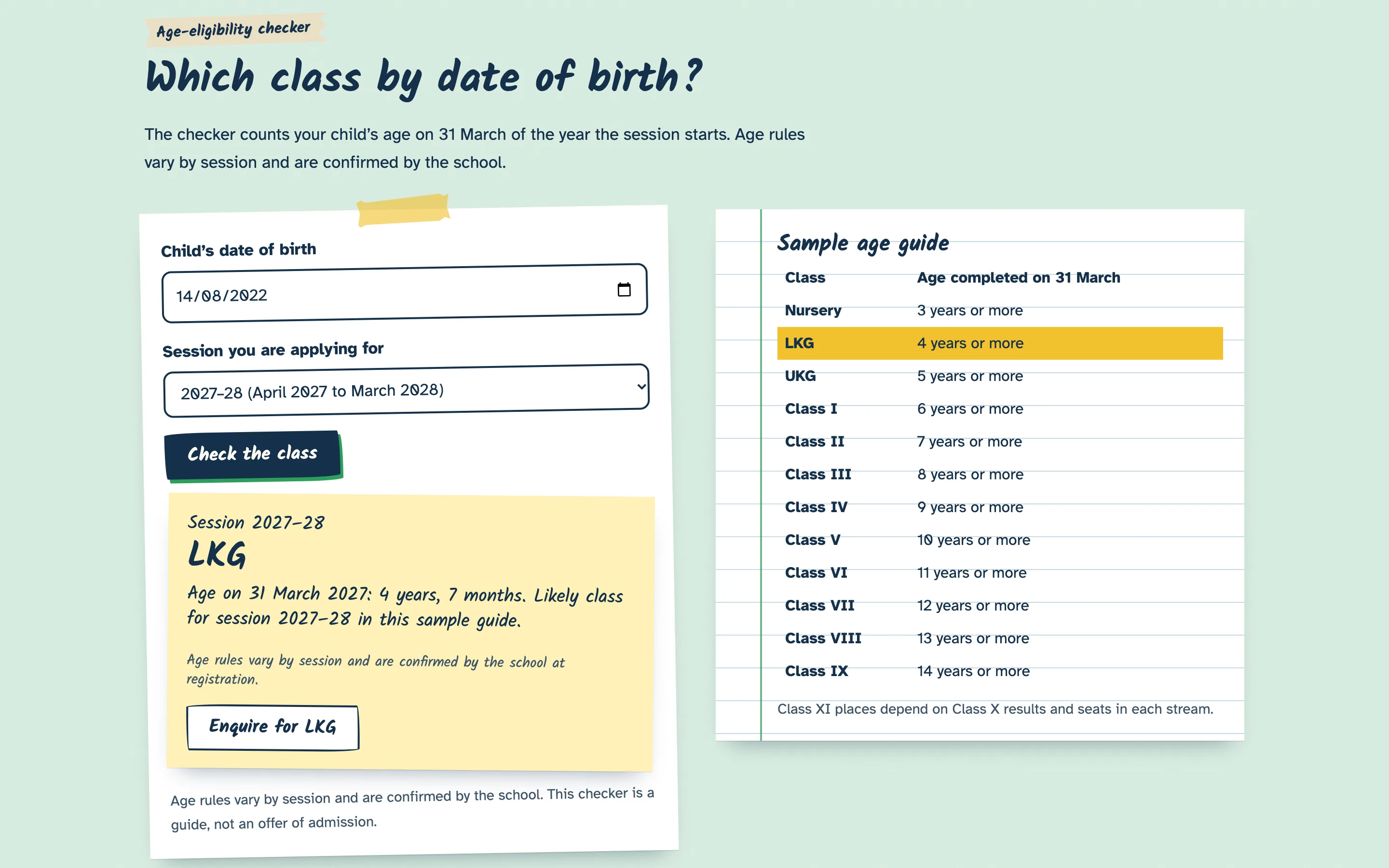
The signature feature is an age-eligibility checker. A parent enters the child's date of birth and picks the session. The checker works out the child's age on the school's cut-off date, suggests the likely class, and highlights that row in the age guide next to it. For a child who is too young, it says so and suggests the following session. For Class X and above, it explains that the school looks at board registration and Class X results rather than age. Every answer carries the same note: age rules vary by session and are confirmed by the school.
From the result, one button opens the admission enquiry with the class and date of birth already filled in. The form asks only for what the office needs to call back: a parent's name, a mobile number, the class and an optional message. It validates the fields, moves the cursor to the first one that needs attention, and in the demo shows a notice that nothing was sent.
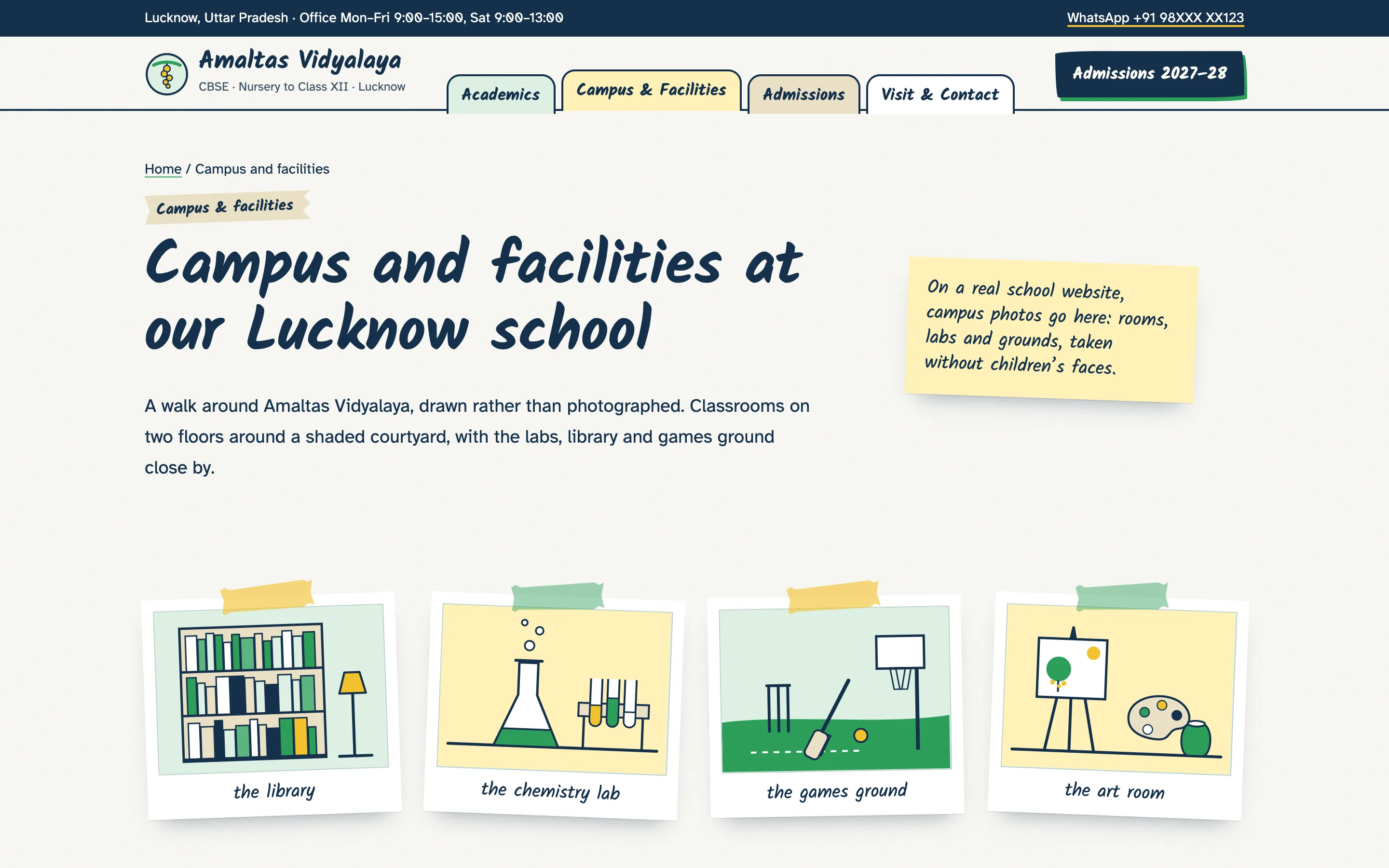
The rest of the site follows the parent's questions. A short timetable shows a normal day from assembly to the buses leaving. Four cards explain how teaching changes from the foundational stage to the senior classes. Campus pages use drawn polaroids of the library, labs, games ground and art room, so the site looks warm without a single child in it. The Visit and Contact page takes a request for a Saturday campus visit and lists the office hours.
The design is a scrapbook: paper texture, washi tape, sticky notes and handwritten headings, with a plain, highly legible body font for everything parents need to read carefully.
The pages
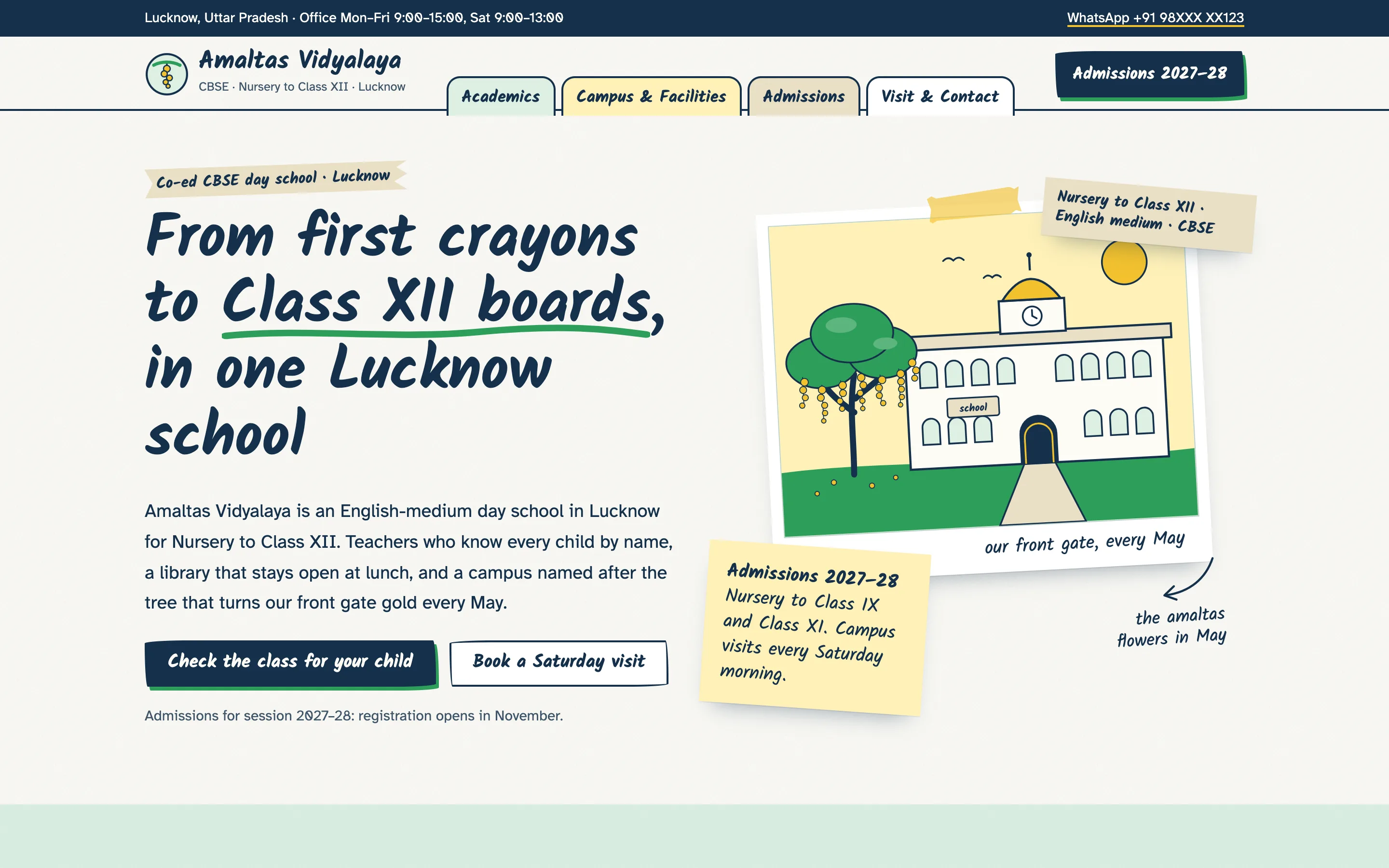
- Home: what the school is, the age checker, the four stages, a day at school, campus snapshots, sample parent reviews and the visit invitation.
- Academics: stages from Nursery to Class XII, Class XI streams and subject combinations, assessment and homework by class.
- Campus & Facilities: illustrated campus, then the library, labs, computer room, sports, art and music, sick bay, buses and safety at the gate.
- Admissions: four steps, the age checker, the documents to bring, sample fee guidance and the enquiry form.
- Visit & Contact: what happens on a campus visit, the request form, office hours, contact links and the areas the buses cover.
Local SEO set-up for a school
Parents search with the board, the class and the area in the same phrase: CBSE school near me, nursery admission in the city, school with transport from a particular neighbourhood. Each page has its own title and description built around one of those searches, and the admissions page carries the session in its title so it stays current when the office updates it each year.
The structured data marks the business as a School with the city, office hours, logo and share image, plus breadcrumbs on every inner page. The areas covered by school buses are written into the copy, because a parent searching from a particular locality wants to know at once whether a bus comes there. The pages are light, use self-hosted fonts and drawn illustrations, and load quickly on mobile data, which is how most parents will open them.
Outside the website, the school's Google Business Profile should match the name, hours and contact details on the site, and the admission season is the right moment to post updates there that link back to the admissions page.
Country notes
India
Indian English throughout, with Nursery, LKG and UKG for the pre-primary years and Roman numerals for classes. Fees, if a school chooses to show them, appear in rupees as "from" figures with a note that the full fee structure is published for each session. WhatsApp is the main contact button, next to a call link, because that is how most parents reach a school office. The footer has labelled places for the CBSE affiliation number, school code and UDISE+ code, which affiliated schools are expected to display on their websites. The admissions page explains that seats reserved under the Right to Education Act are allotted through the state government's online process, so parents are not left waiting for a reply the school cannot give. Age cut-off dates differ between states and sometimes change between sessions, which is why the checker reads them from a short list the office can edit and always asks parents to confirm with the school.