What people want from a solar installer's website
Almost everyone who visits a solar installer's website is asking the same question in different words: is this worth it for me? They arrive holding a number they already know, their electricity bill, and they want it turned into the numbers they don't know yet: how big a system, how much roof, roughly what it costs and how long it takes to pay for itself.
Most solar sites make them work for it. There is a hero photo of panels against a blue sky, a list of brands, a claim about being the best in the city and a form that asks for a phone number before showing anything useful. The visitor who wanted a rough answer leaves to find a calculator elsewhere, and often calls the company that gave them one.
There are really three visitors. Homeowners compare a few installers over several weeks and come back more than once. Business owners, factories, hotels, schools and warehouses, want to see that you size plants from load data and can explain ownership against paying per unit. And a large group of careful people have heard about subsidies or tax incentives and want to know, honestly, what applies to them. A good site serves all three without burying any of them.
How the demo handles it
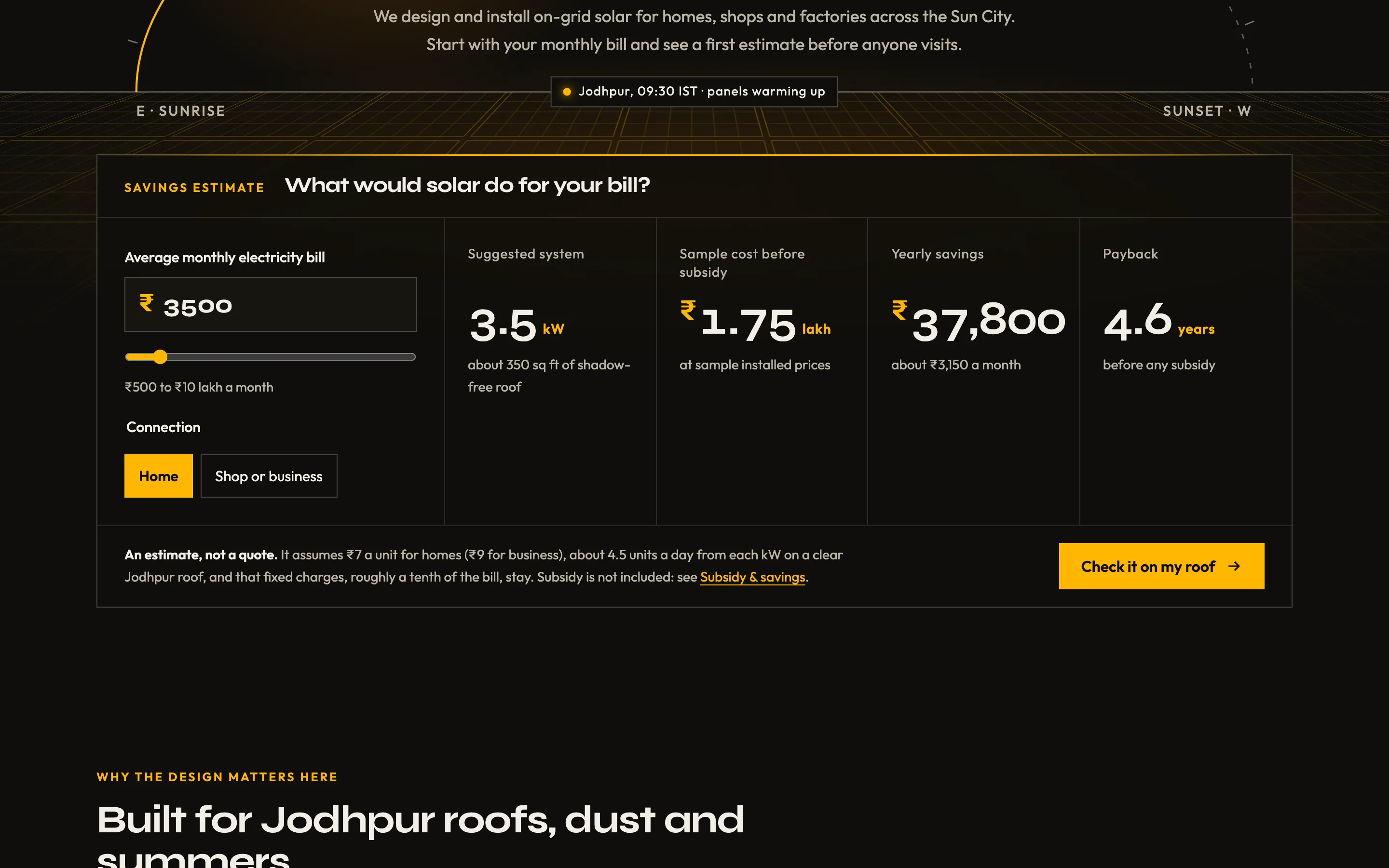
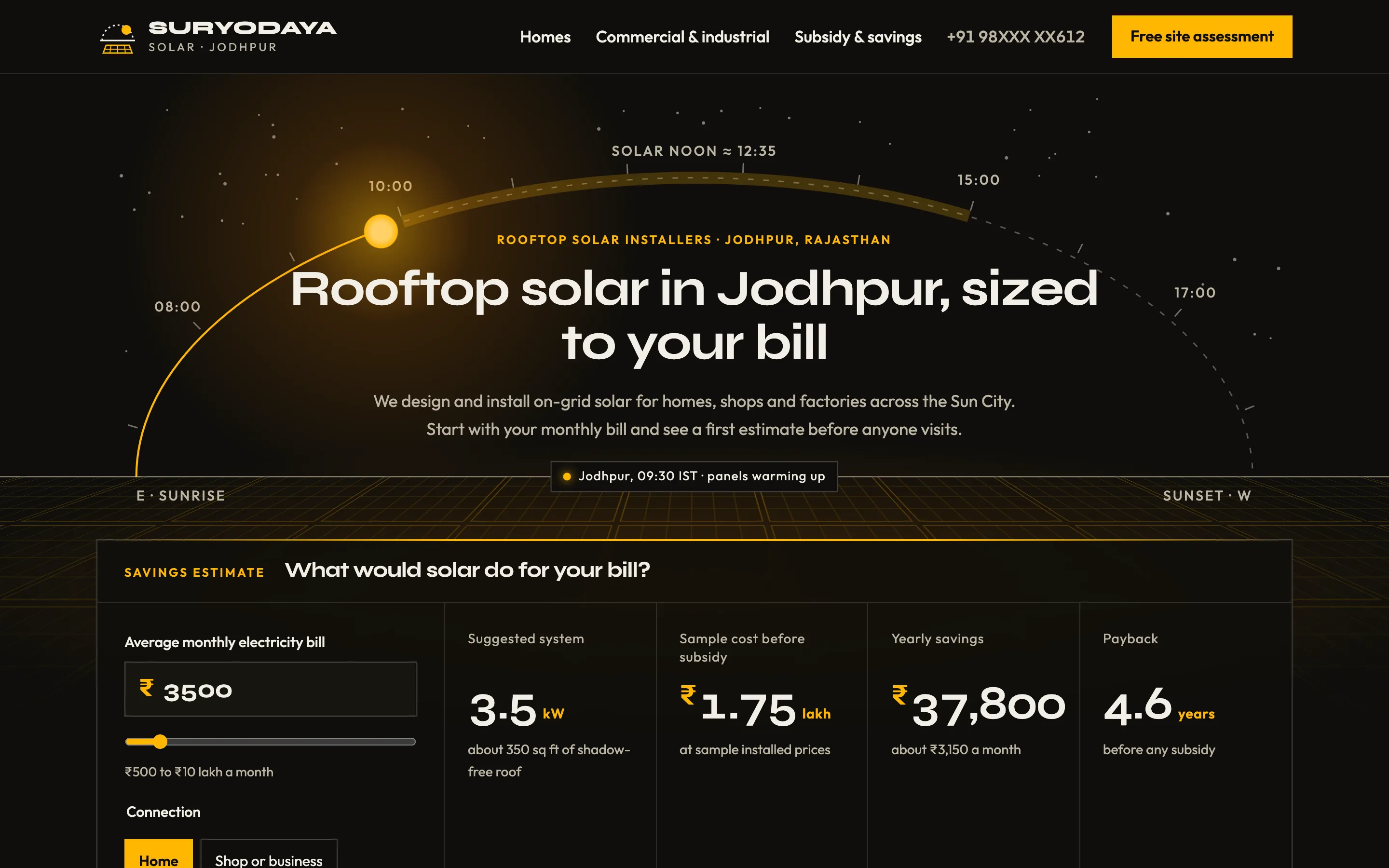
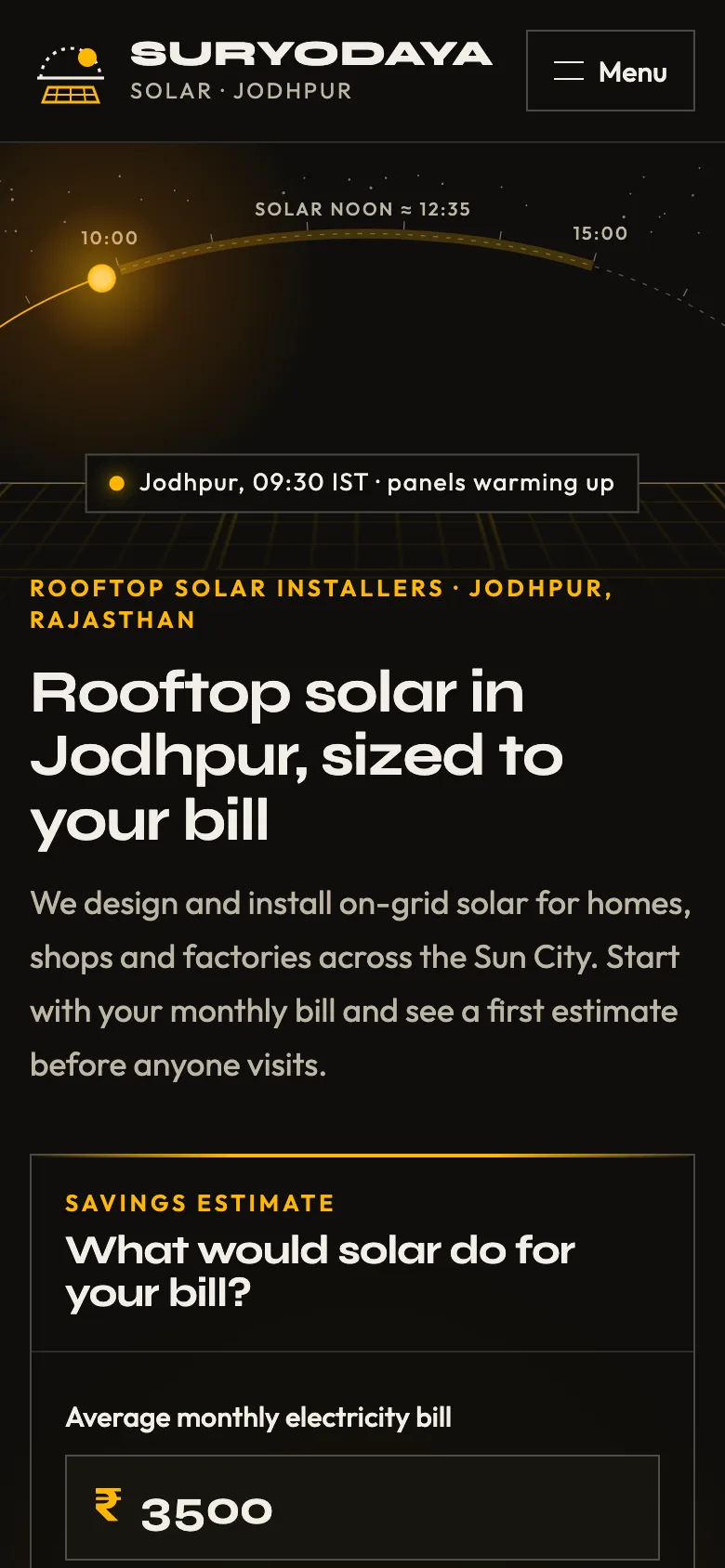
The demo is for Suryodaya Solar, a fictional rooftop installer in Jodhpur, Rajasthan, a city known for its sunshine. The hero is a sun path: a thin arc from sunrise in the east to sunset in the west, with hour marks, solar noon and the peak generation hours highlighted. The sun sits at the current time in Jodhpur, so a visitor at 10 in the morning sees it climbing and a visitor at night sees it below the horizon with the panels resting. Below the horizon is a field of panel modules, and on top of that sits the calculator.
The calculator asks for one thing, the average monthly bill, and whether it is a home or a business. It answers immediately with the suggested system in kW, the roof area that needs, a sample cost before subsidy shown in lakh, the yearly savings and the payback in years. Under the result, the assumptions are printed in plain words: the tariff per unit, the generation per kW on a clear roof, and the share of the bill that stays as fixed charges. It says clearly that this is an estimate and not a quote. The button underneath carries the bill, the property type and the system size into the site-assessment form, so the visitor doesn't type them again and the installer gets a warmer lead.
Without JavaScript the calculator still shows a worked example for a typical bill, and every page is fully readable.
Pages in the demo
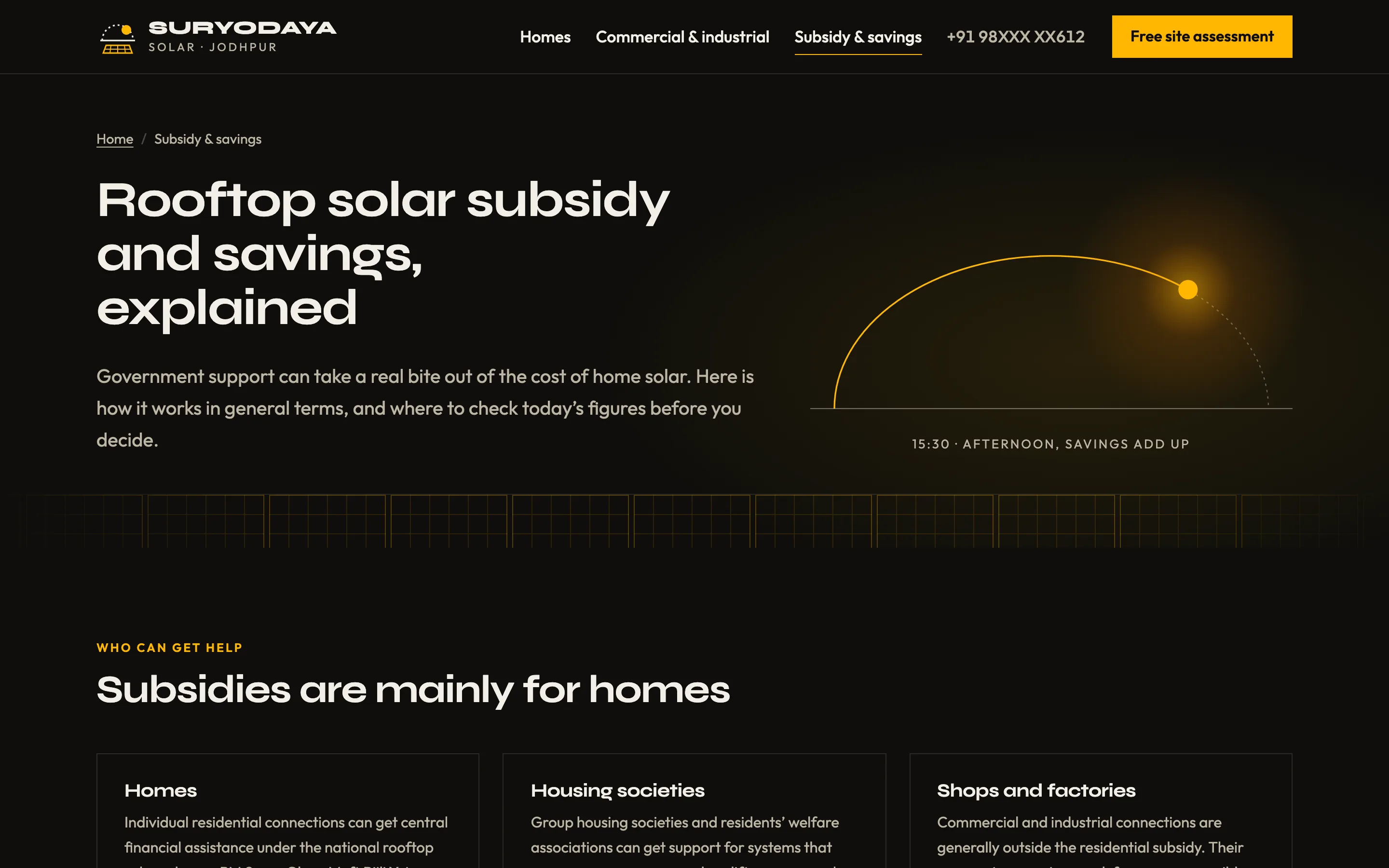
The home page holds the calculator, four design points that matter on local roofs (dust, heat, storms and terraces people still use), the two kinds of customer, a five-step process from visit to handover, a short subsidy teaser and two clearly labelled sample reviews. Rooftop Solar for Homes compares typical system sizes with the bill, roof area and generation each suits, lists what the price includes and explains on-grid against batteries. Commercial & Industrial covers who it suits, how a plant is sized from load data, and owning the plant against buying the power. Subsidy & Savings explains who qualifies, how a claim works, how net metering turns into a smaller bill and how to work out payback. Free Site Assessment is the booking form, with a list of what the surveyor checks.
Local SEO for solar installers
Each page targets one search people actually make, such as rooftop solar in the city, commercial solar, solar subsidy and solar site survey, with the city in titles, headings and descriptions. The business is marked up as a HomeAndConstructionBusiness with service areas, opening hours and contact details; home and commercial installations are Service items with sample offers; the subsidy questions are an FAQPage; and every inner page has a breadcrumb trail. Neighbourhoods and industrial areas are listed in plain text, which also helps with Google Business Profile categories and service areas. Licence, tax and vendor registration numbers have their own visible placeholders, because buyers of a large purchase look for them.
Solar installer websites by country
India
The demo is written in Indian English with rupees, using lakh and crore for larger amounts so the numbers read naturally. WhatsApp sits next to the phone number everywhere, and payment options mention UPI and bank transfer. The subsidy page names the national rooftop scheme and links to its official portal, but never shows amounts as fact, since they are revised. GSTIN, contractor licence and vendor registration placeholders sit in the footer, and the discom is named where net metering is explained. A Hindi version is a natural next step for many cities.
USA
For an American installer the site switches to US English, dollars and kWh, with service areas listed by city and ZIP code. Incentives differ by state and utility and have changed at the federal level, so the incentives page works best as a dated summary with links to official sources. Financing matters more than in most markets, so the calculator can show cash, loan and lease or PPA side by side. Contractor licence numbers and any certifications your team holds belong in the footer, and WCAG 2.2 AA accessibility, built into the demo, reduces ADA complaint risk.
Australia
An Australian version uses Australian English, dollars and the local tone. Small-scale technology certificates reduce the upfront price and appear on every quote, while state rebates, battery programmes and feed-in tariffs change often, so they sit in one easy-to-update block. Customers expect to see the ABN, the electrical licence and installer accreditation, which have placeholders, and many add a battery option to the calculator for evening use.