The business
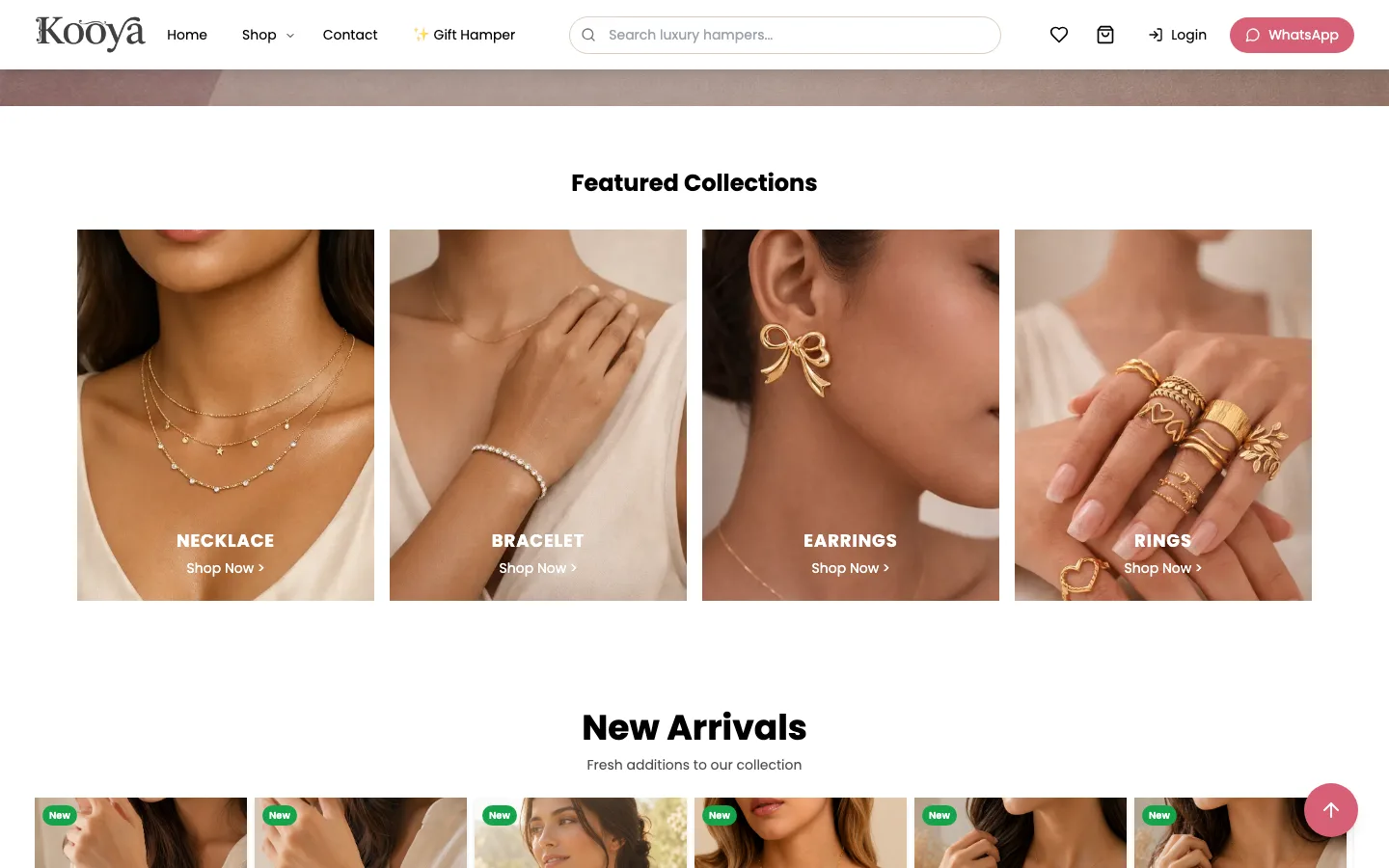
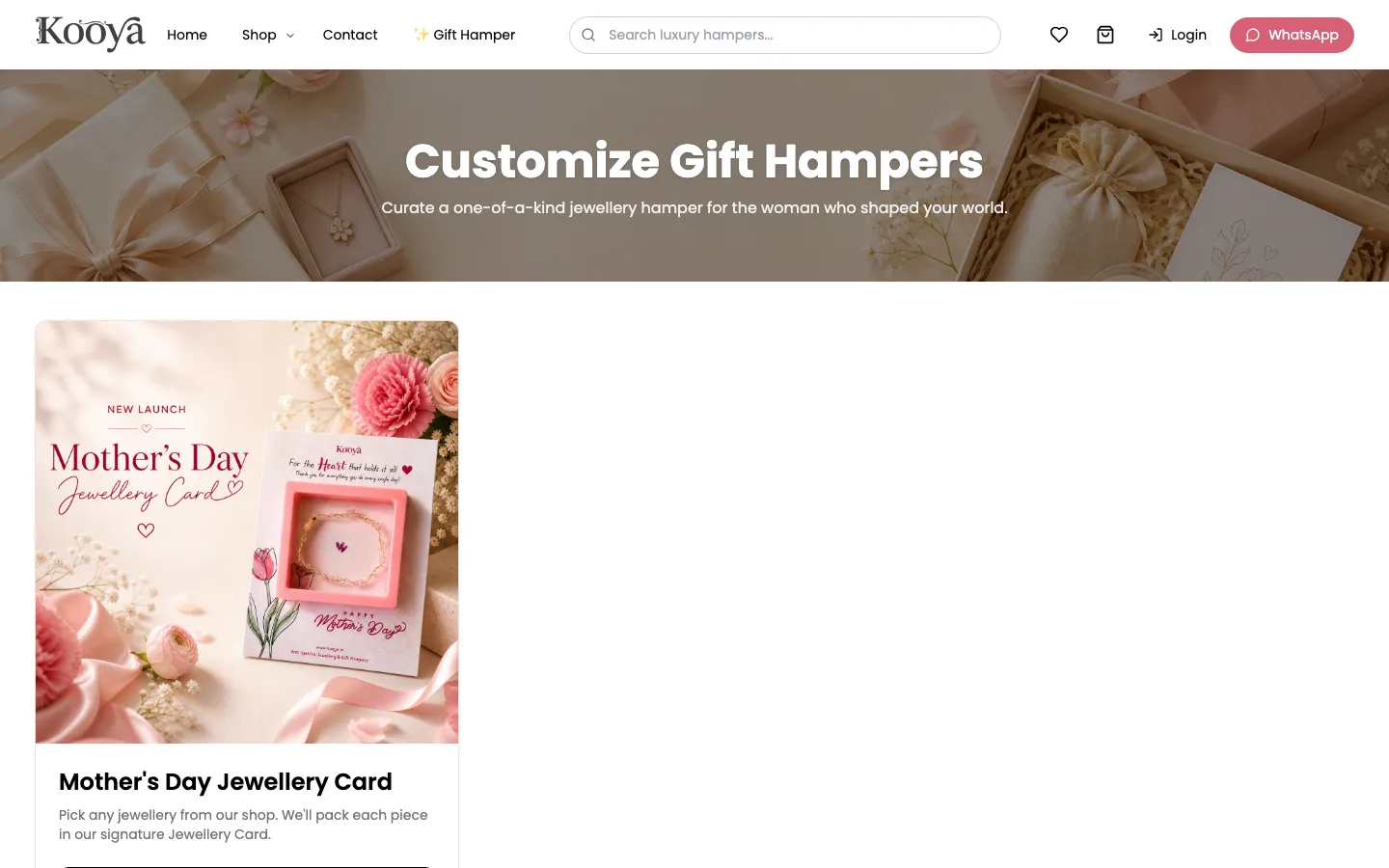
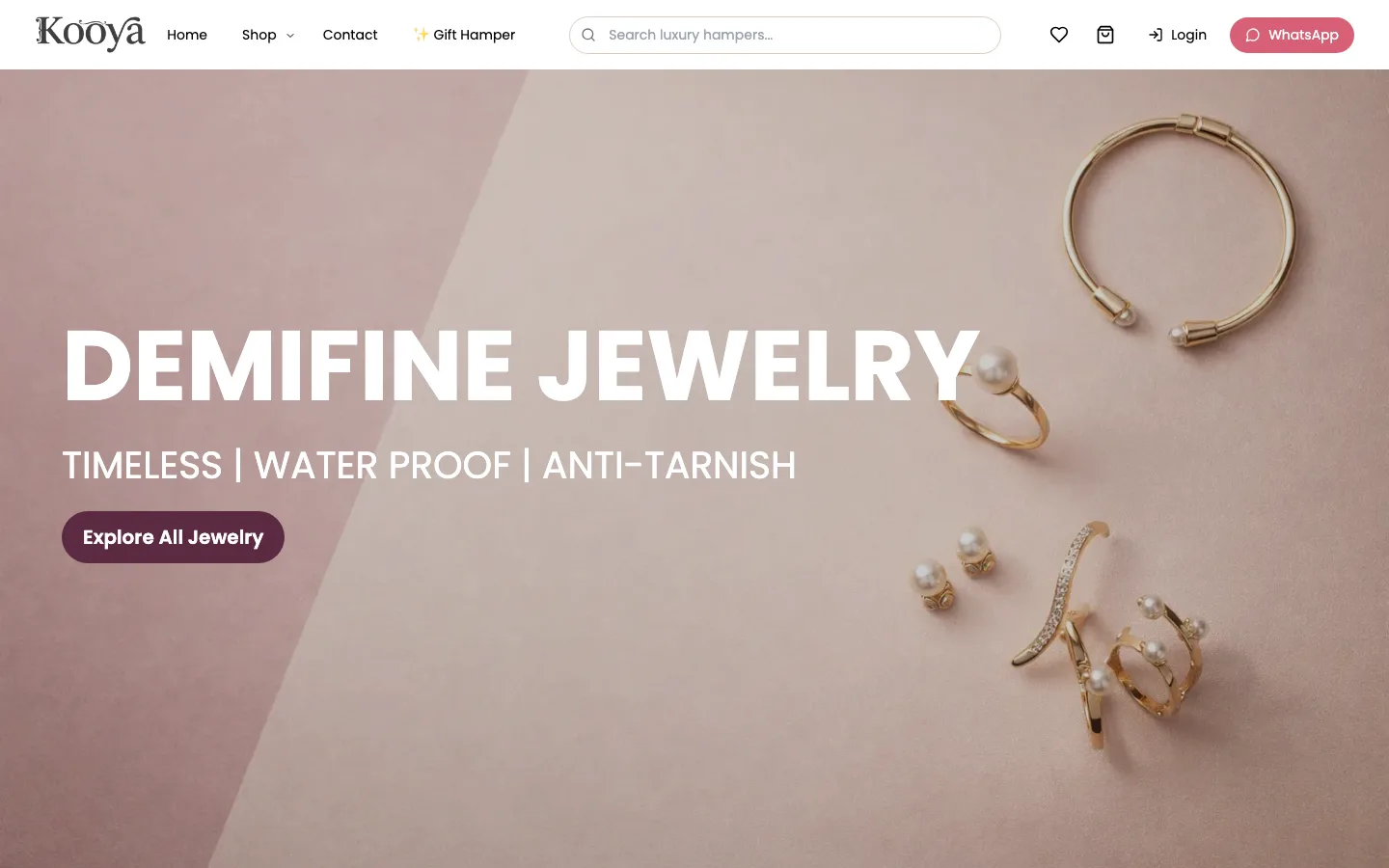
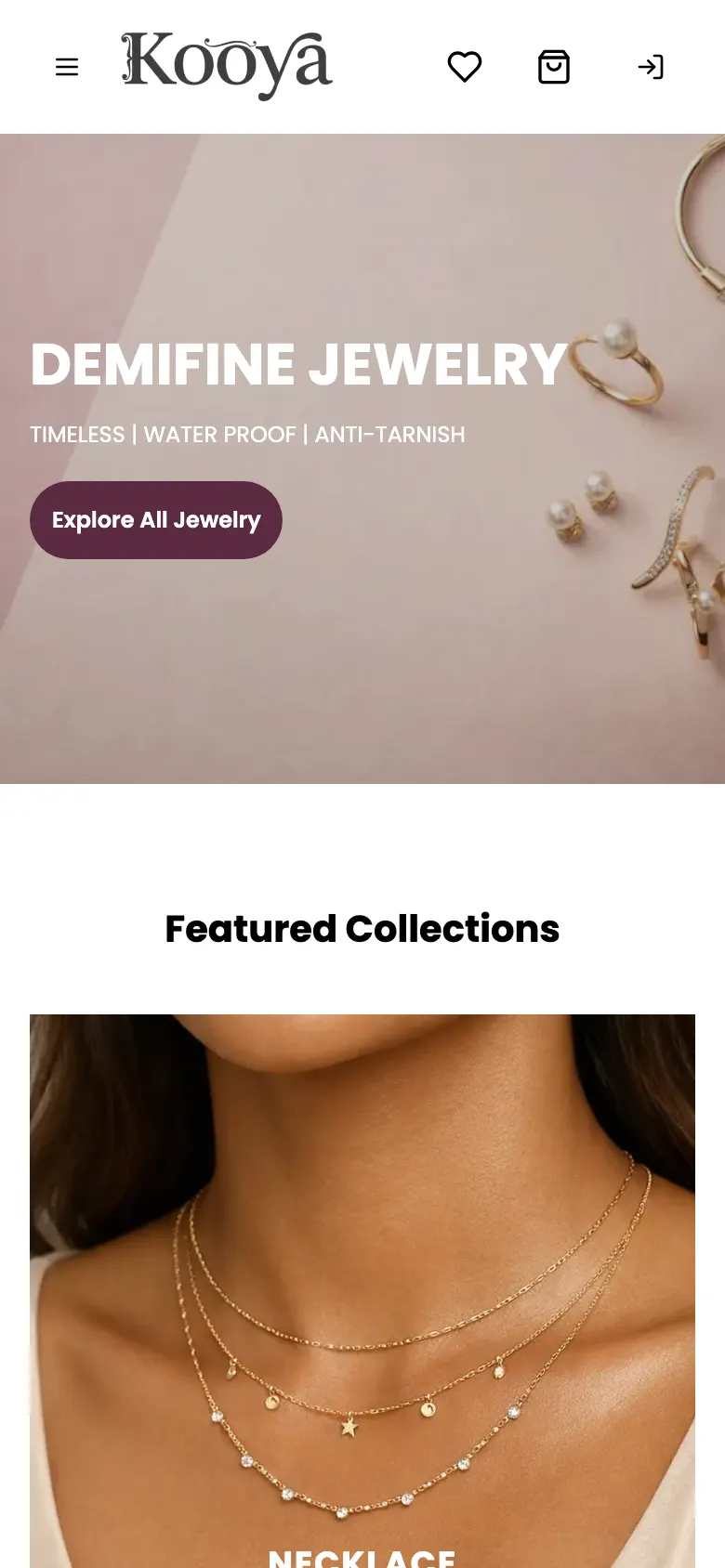
Kooya is a gifting and jewellery brand in India. It sells what it calls demifine jewellery: necklaces, bracelets and kadas, earrings, rings and matching sets in gold-tone stainless steel, sold as anti-tarnish and waterproof. Every piece is meant to be given, so it ships in ready-to-gift packaging, and the brand also puts together gift hampers, such as a Mother's Day Jewellery Card that packs any piece from the shop in a printed gift card.
The shop is organised around that. Buyers can browse by product type, but also by who the gift is for and by occasion, from birthdays and anniversaries to Diwali, Holi and Akshay Tritiya.
What the site had to do
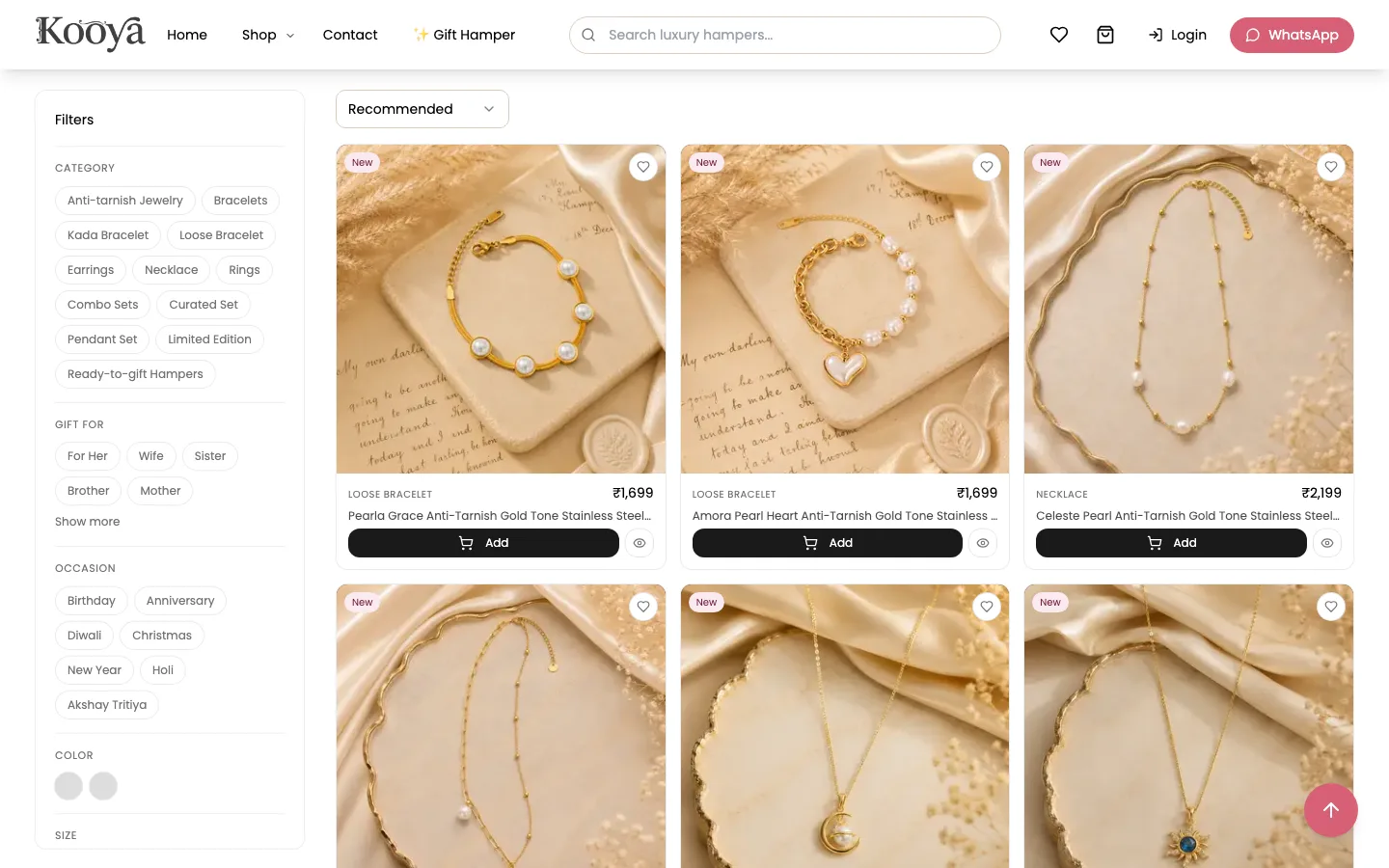
- Show a catalogue of a few hundred pieces so a gift buyer can narrow it quickly: by recipient, occasion, type, colour, size and budget.
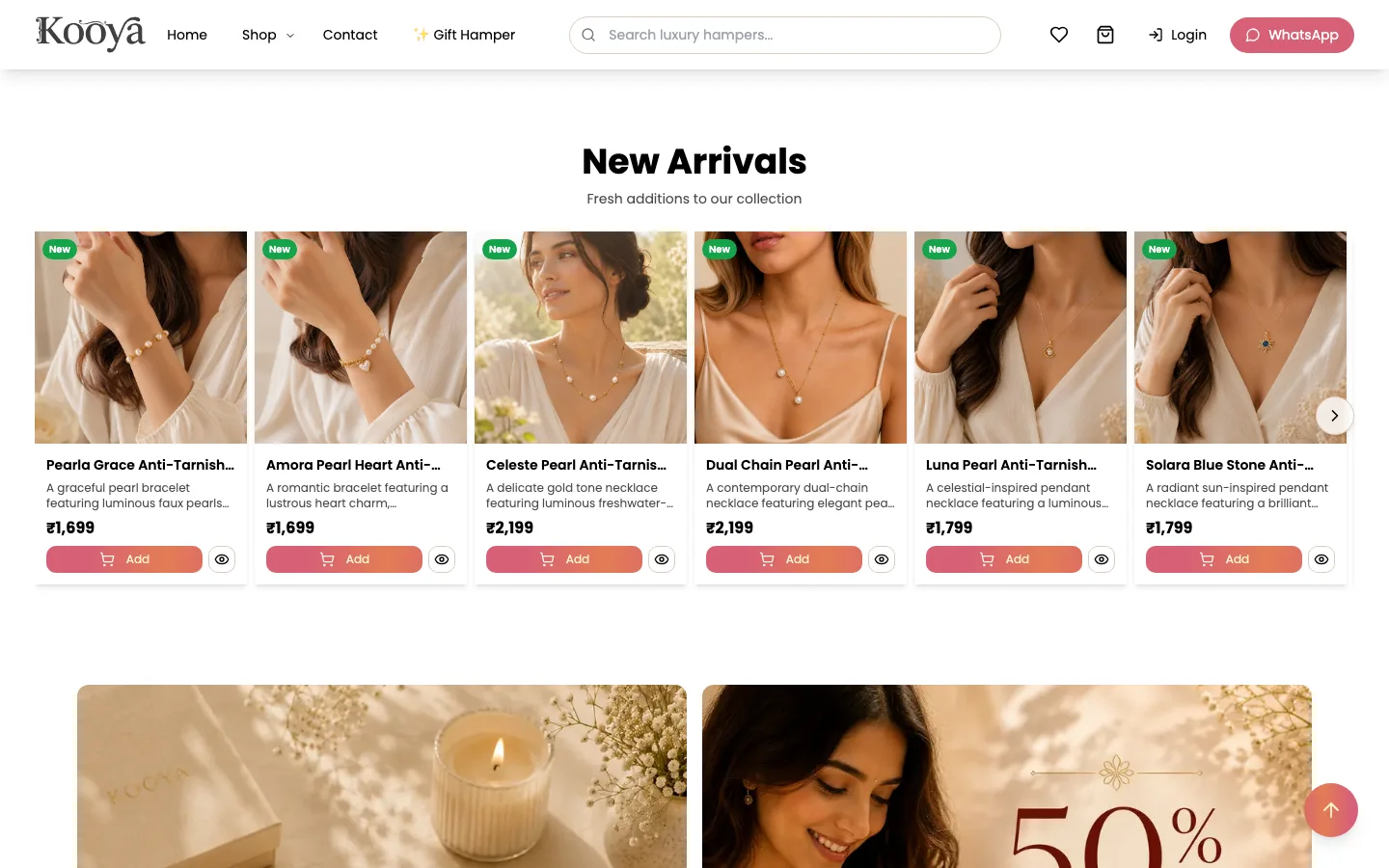
- Make it clear on every piece what it costs, whether it is in stock and which offer applies.
- Let buyers build a hamper from the same catalogue, at hamper prices, instead of keeping a separate hamper range.
- Take prepaid payment in India.
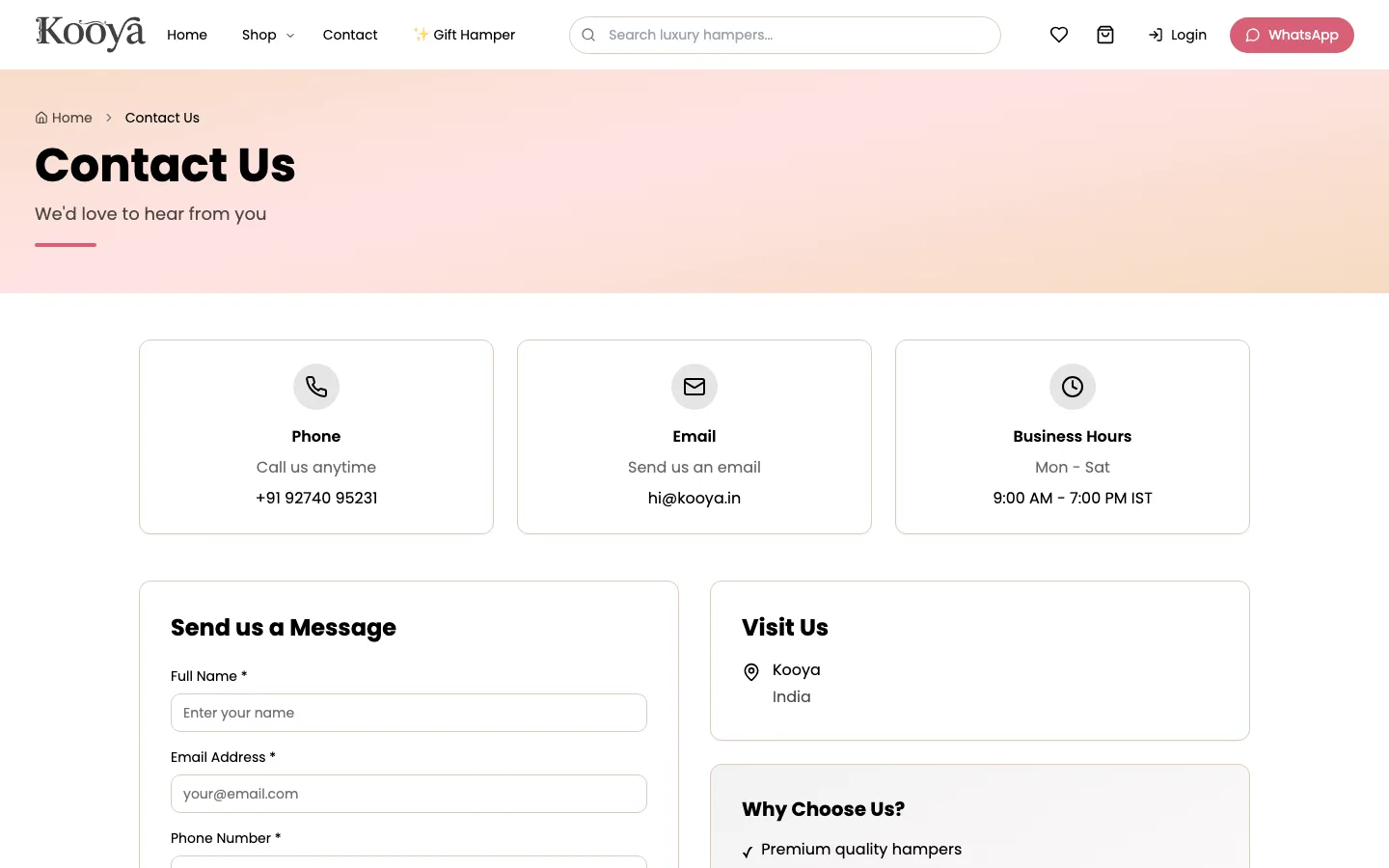
- Give content creators a way to apply and work with the brand.
- Let the brand change banners, collections, offers and pages itself.
What was built
A shop organised around the gift
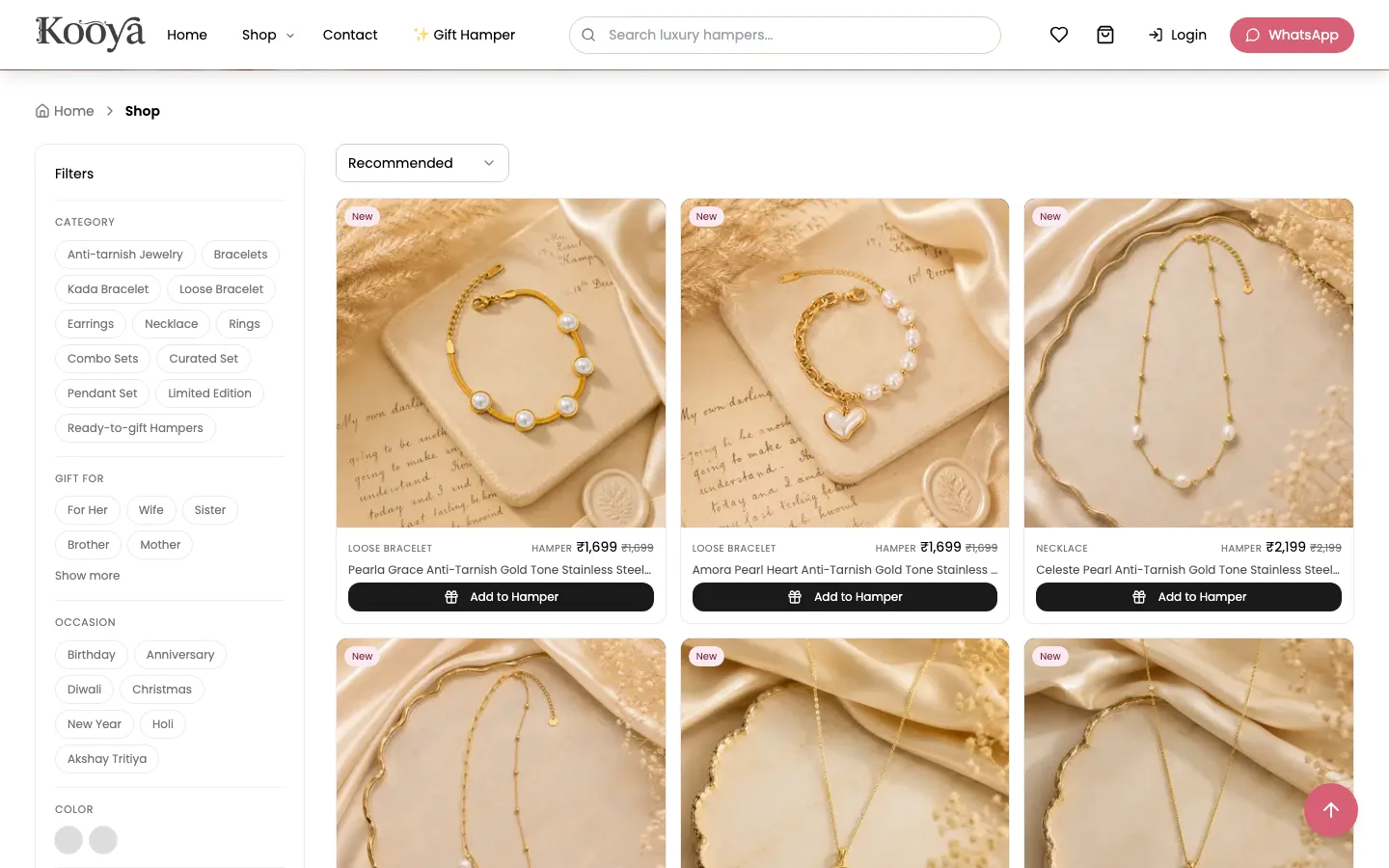
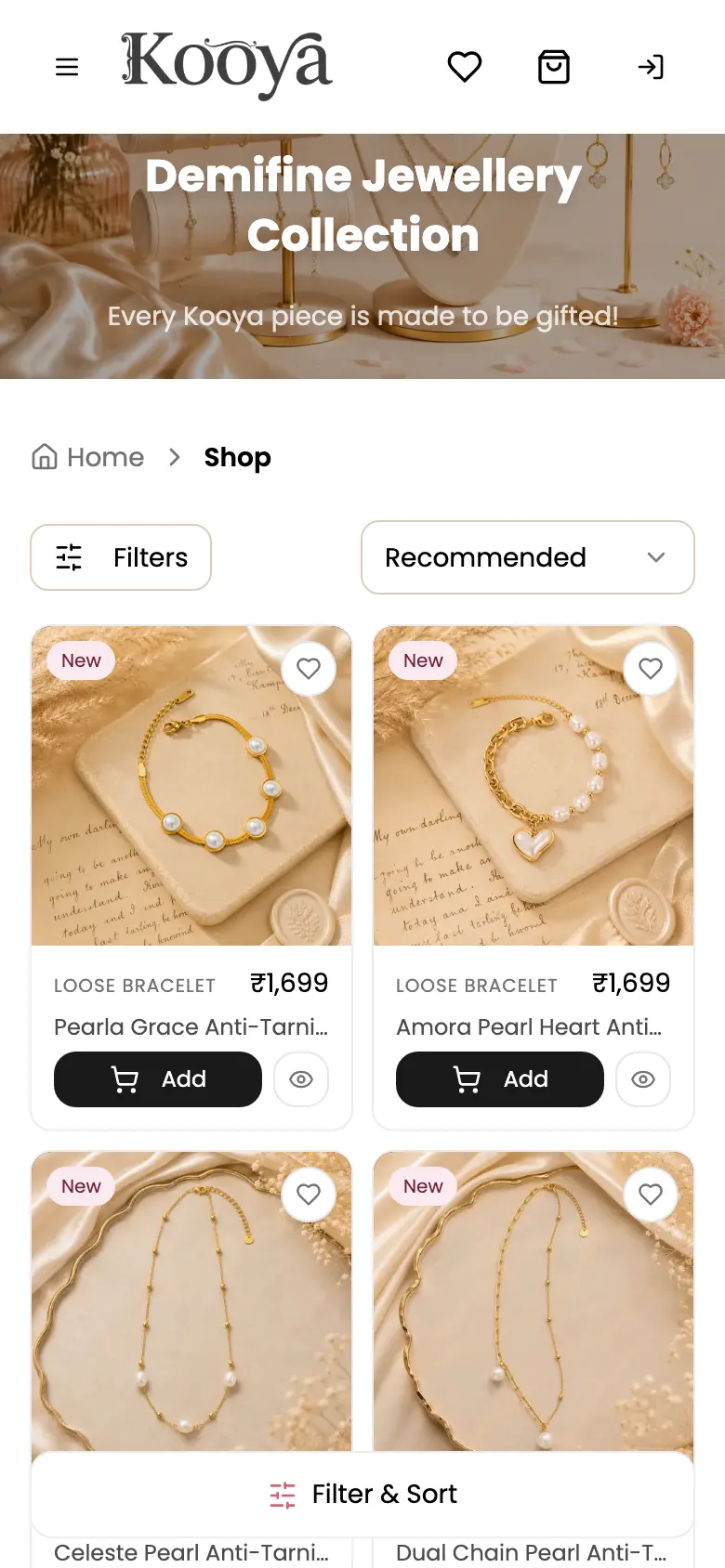
The shop holds 245 products. A filter panel narrows them by category (12, including kada and loose
bracelets, curated and pendant sets, a limited edition and ready-to-gift hampers), by who the gift
is for, by occasion, colour, ring size, price range, minimum rating and stock, and by tags. Results
sort by recommendation, price, rating or newest, and the grid starts with 48 pieces and adds more
as the buyer scrolls. Every category has its own address, such as /shop/anti-tarnish-jewelry/rings.
On a phone the grid drops to two pieces per row, with filters and sorting behind a floating button.
Product pages that answer the buying questions
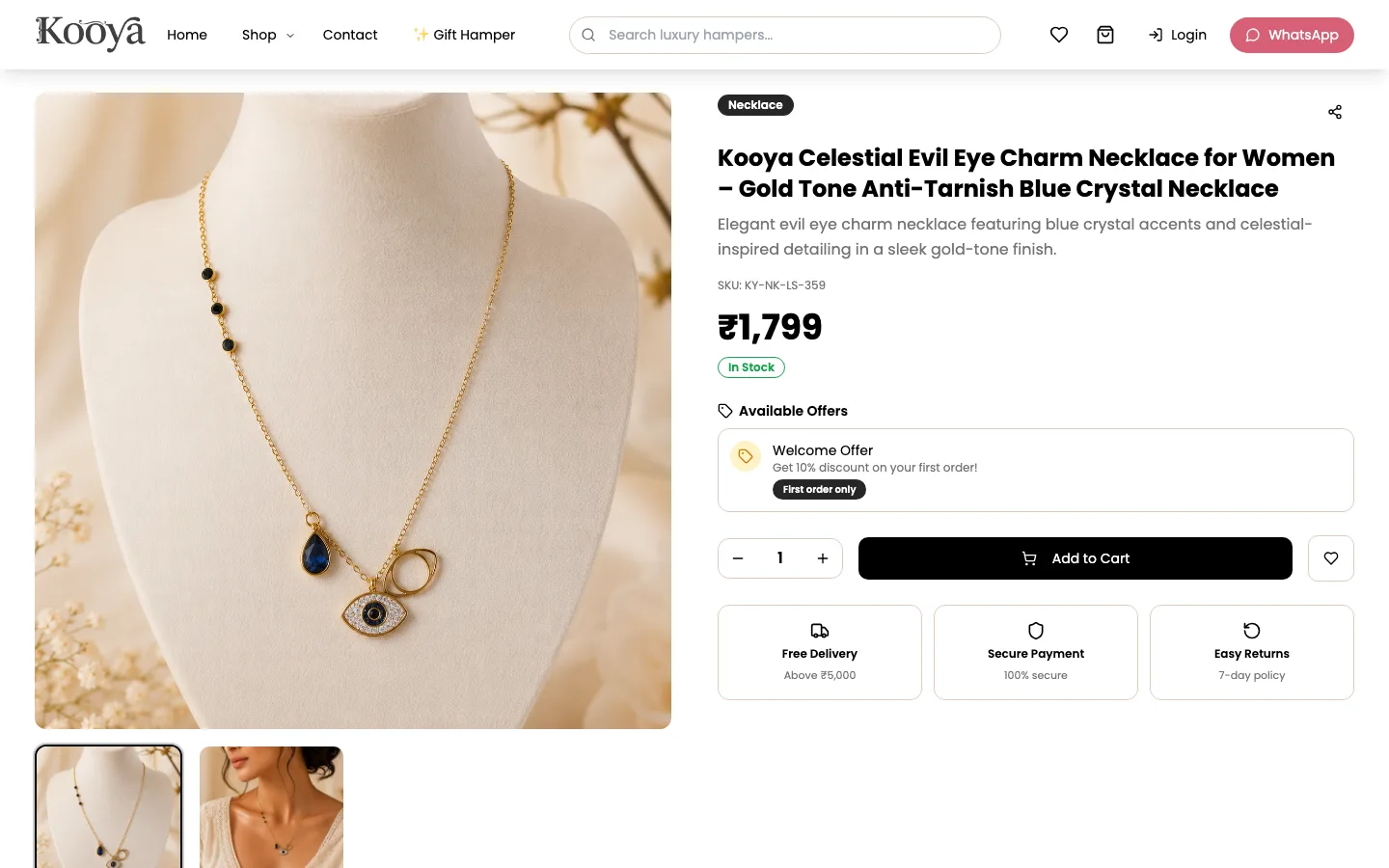
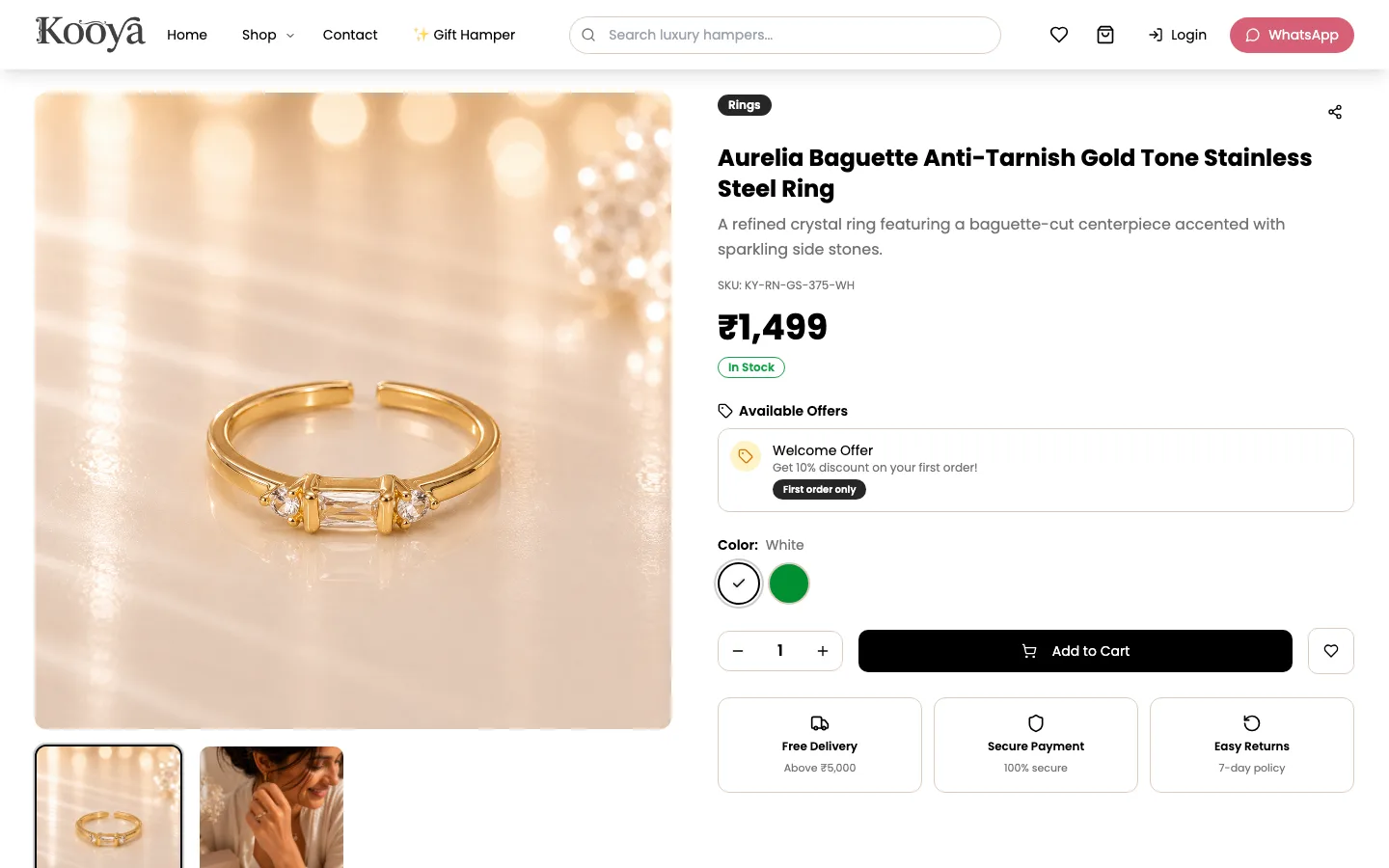
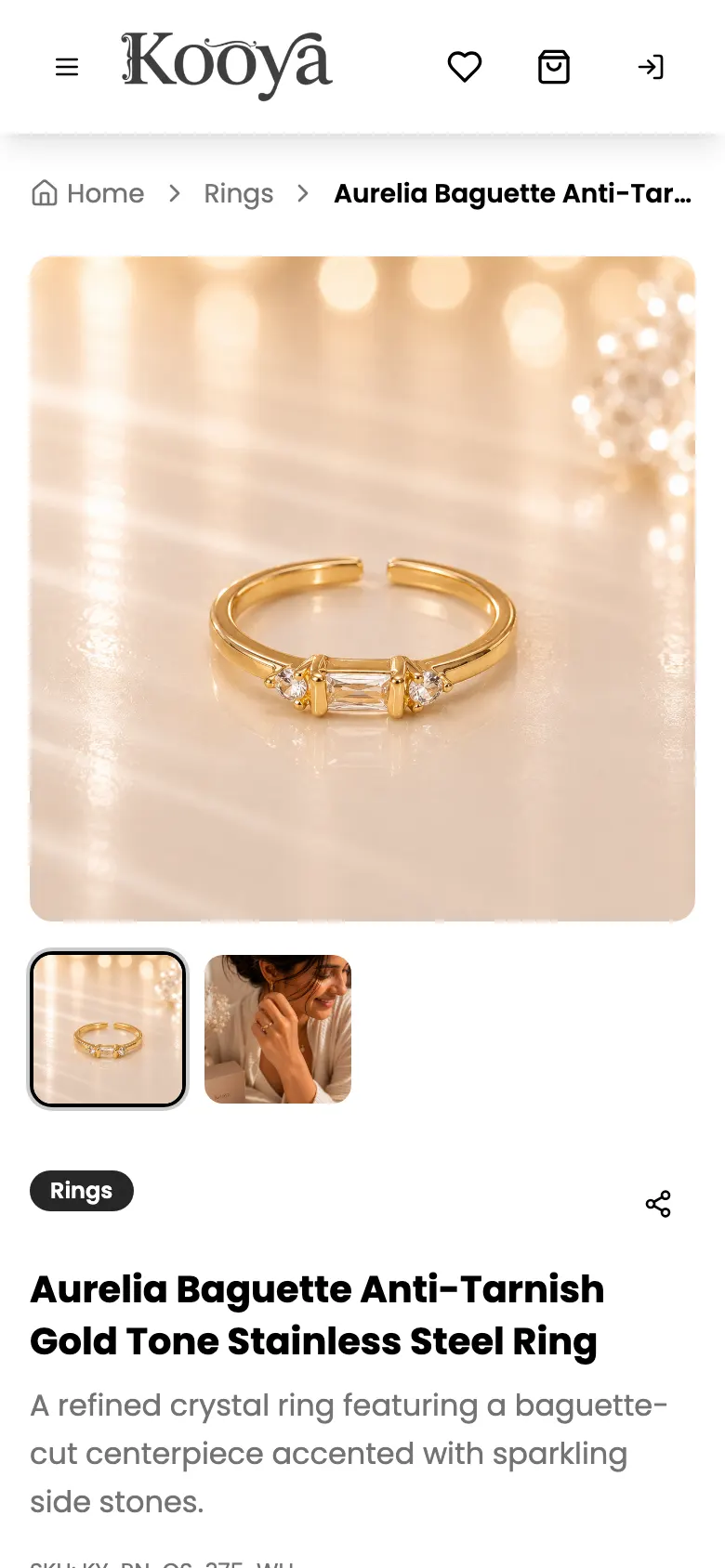
Each product page shows the category, a short description, the SKU, the price, stock status and the offers that apply, then colour or size options, a quantity, Add to Cart and a wishlist button. Underneath sit short notes on free delivery, secure payment and the 7-day returns policy, followed by product details, specs and related pieces. In the grid, pieces running low say so ("Only 1 left"), and pieces that are out of stock offer Notify me instead of Add.
Hampers from the same shop
The Gift Hamper page lists hamper offerings. Choosing one opens the normal shop in hamper mode: every card shows the hamper price and an Add to Hamper button, and the picks are gathered into a hamper builder before they go to the cart. Hamper prices are set per category, so the catalogue does not need a second copy of every product.
Cart, checkout and accounts
Buyers can save pieces to a wishlist. The cart takes coupons, adds free gifts and shows when free shipping has been unlocked, and checkout takes payment through Razorpay. Customers can sign up with a phone number and email and reset a forgotten password with a one-time code.
The Kooya Creator Circle
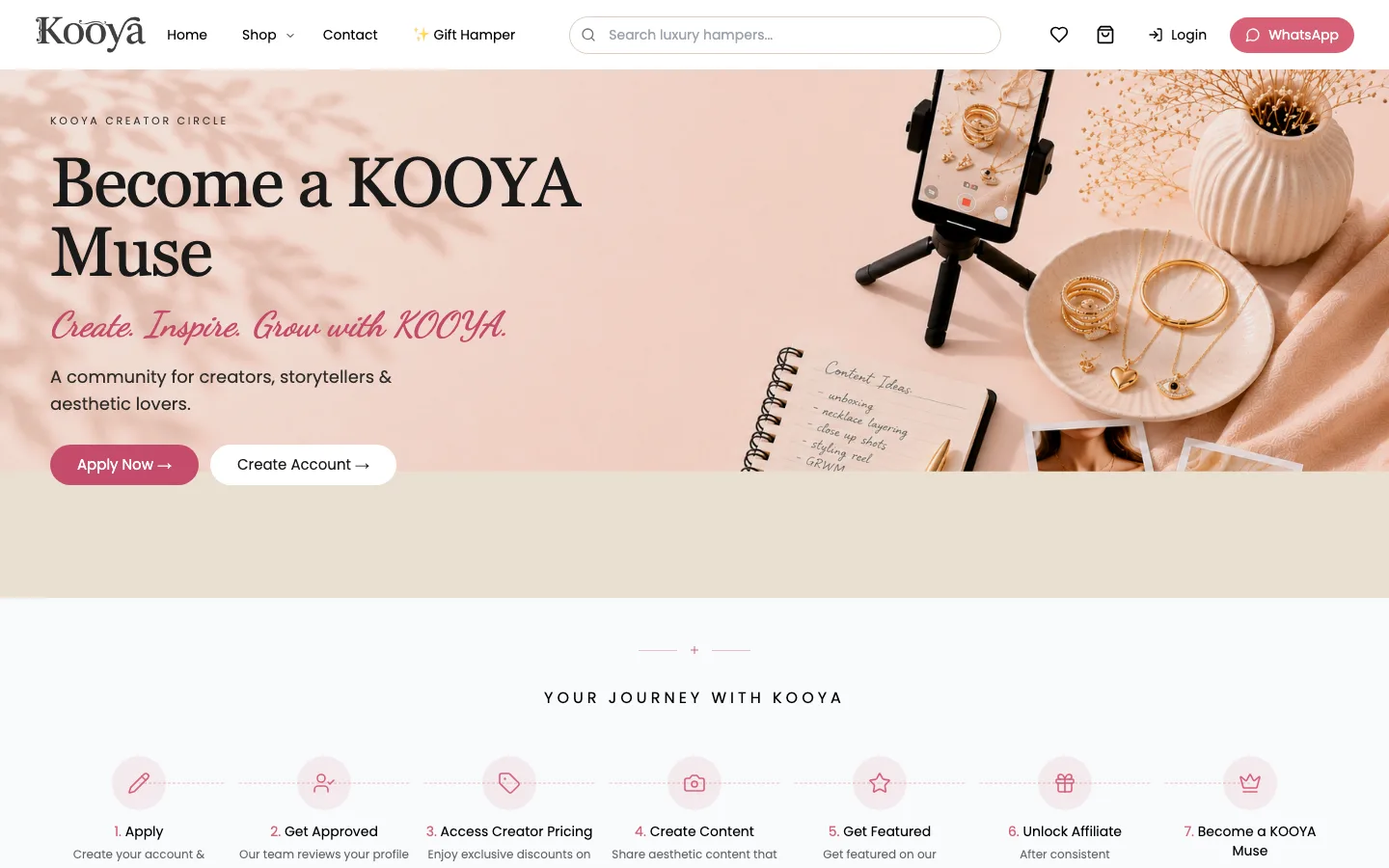
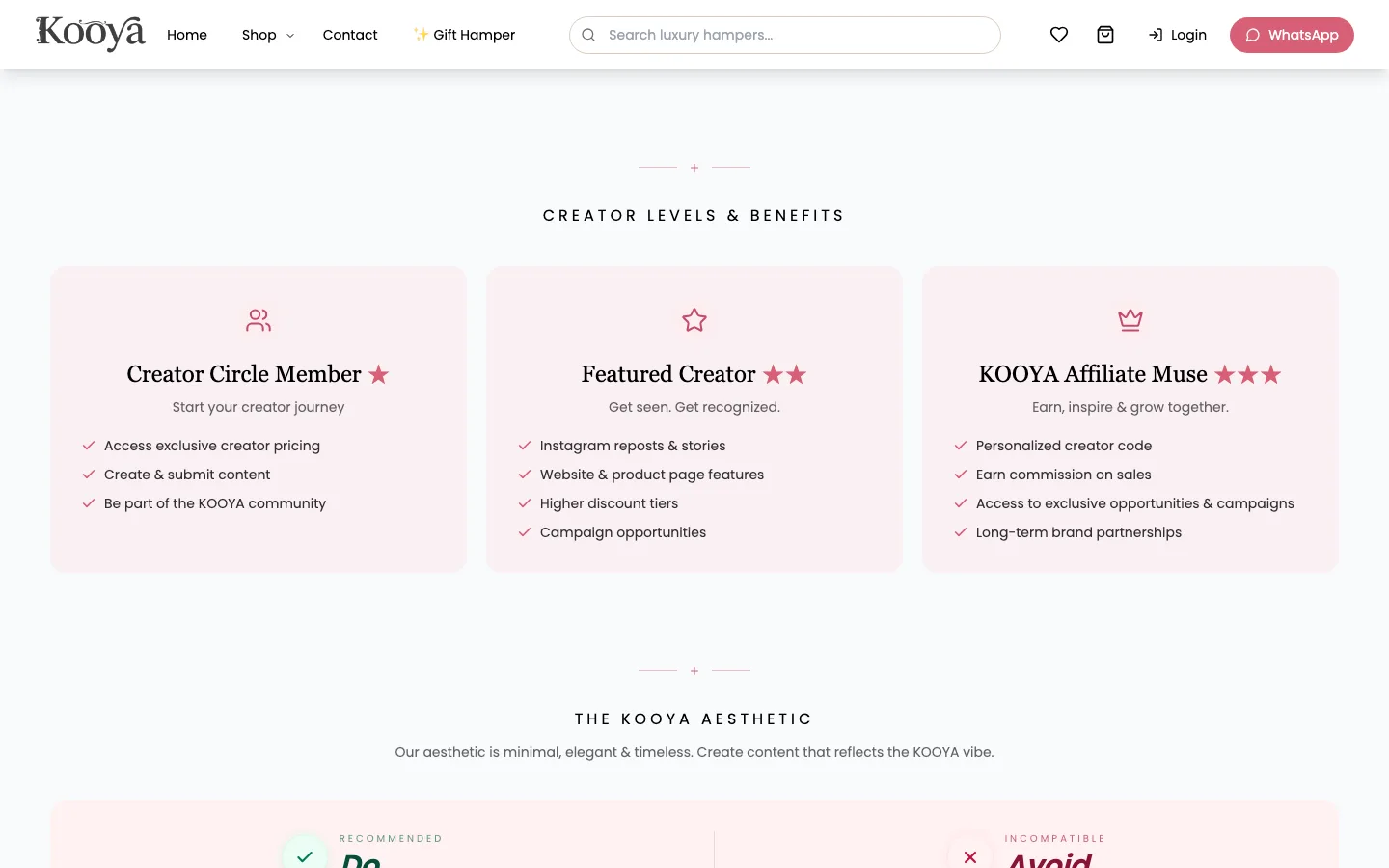
A separate programme page invites content creators to work with the brand. It sets out a seven-step journey, from applying and being approved to creator pricing, being featured on Instagram and the website, and an affiliate code. Three levels, Creator Circle Member, Featured Creator and KOOYA Affiliate Muse, list what each one unlocks. A visual guide shows the look the brand wants and the look it does not, with photos of each, and creators apply from their account.
Run by the brand
The home page is assembled from content in the database: banners, featured collections, offer cards and the navigation menu. An admin panel behind a login covers products and categories, orders with invoices and shipping labels, coupons and offers, reviews, customers and subscribers, enquiries, email templates, content pages, the header and footer, payment settings and a sync to Google Merchant Center.
Search and sharing
- Titles and descriptions. The shop, gift hamper, contact, about and Creator Circle pages set their own titles, the about and Creator Circle pages their own descriptions too, and every page has Open Graph and Twitter card tags for links shared on WhatsApp and social media.
- Structured data. Every page describes Kooya as an Organization, and the home page adds Store data with a customer service contact point.
- Clean addresses. Products live at readable addresses such as
/product/aurelia-baguette-anti-tarnish-gold-tone-stainless-steel-ring, and categories at/shop/{category}/{sub-category}. - Robots and sitemap. robots.txt keeps the admin, account, cart, checkout, orders and wishlist pages out of search, and a sitemap lists the main pages.
Fast on a phone
- The first banner starts early. A small script in the page head asks for the first home page banner and preloads it at high priority, in parallel with the JavaScript, instead of waiting for the app to start.
- Images sized for the screen. Product photos are resized on the fly by Supabase Storage and delivered as WebP, in small sizes for product cards and up to 1,920 pixels wide for a banner, with
srcsetso each phone downloads the size it needs. - Lazy loading. The first row of products loads at high priority; the rest load as they scroll into view.
- Nothing blocks the first paint. Fonts load without blocking rendering, the logo is preloaded, and Google Analytics, Microsoft Clarity and the Meta Pixel load only after the first interaction or a short delay after the page has loaded.
- Only the code a page needs. Each page and admin screen is a separate JavaScript chunk, so a shopper never downloads the admin, and the hashed files are cached for a year.
Technology
The site is a React single-page app built with Vite, Tailwind CSS and Radix UI components. Supabase provides the database, sign-in, image storage and server functions, including the ones that create and verify Razorpay payments. Google Analytics 4, Microsoft Clarity and the Meta Pixel measure visits and campaigns, and the site is served through Cloudflare.
- React
- Vite
- Tailwind CSS
- Radix UI
- Supabase
- Razorpay
- Schema.org JSON-LD
- Google Analytics 4